
Opening a terminal from Finder MacOS
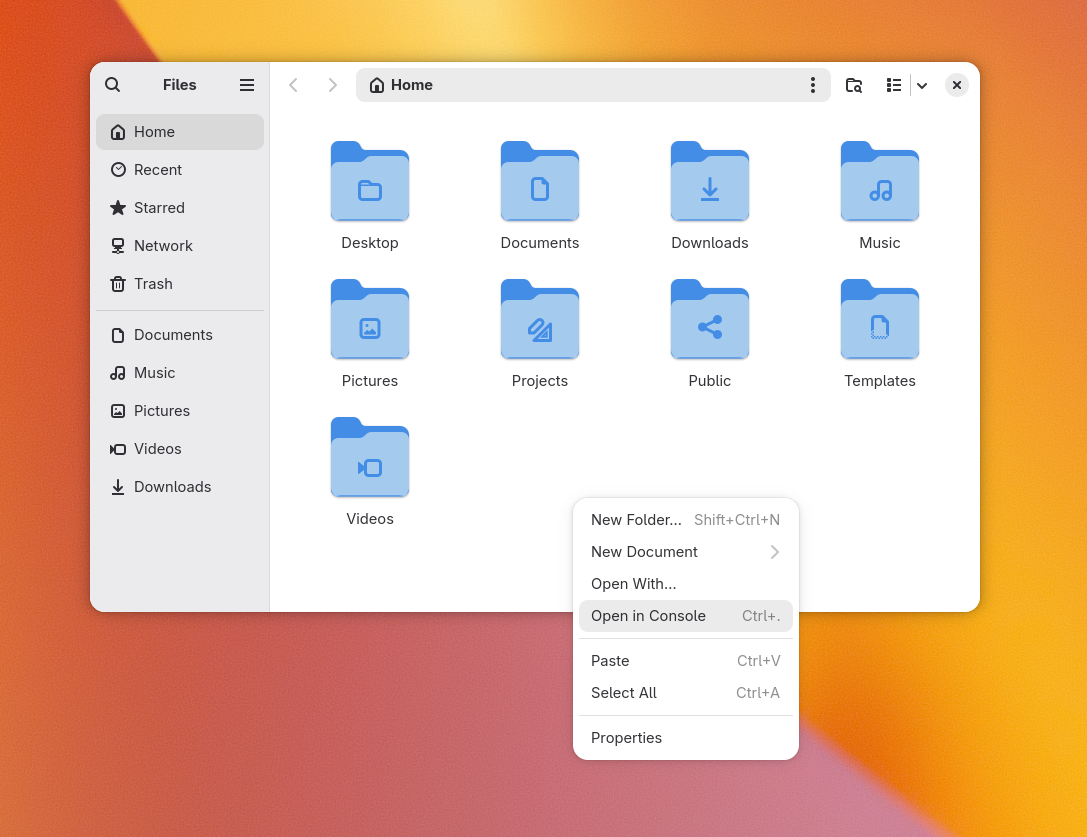
One of the lovliest features on the Linux desktop is the ability to right-click inside a folder (in Files, for example) and click 'Open in Terminal'. Sweet, a terminal session pops open right inside the folder you were browsing:
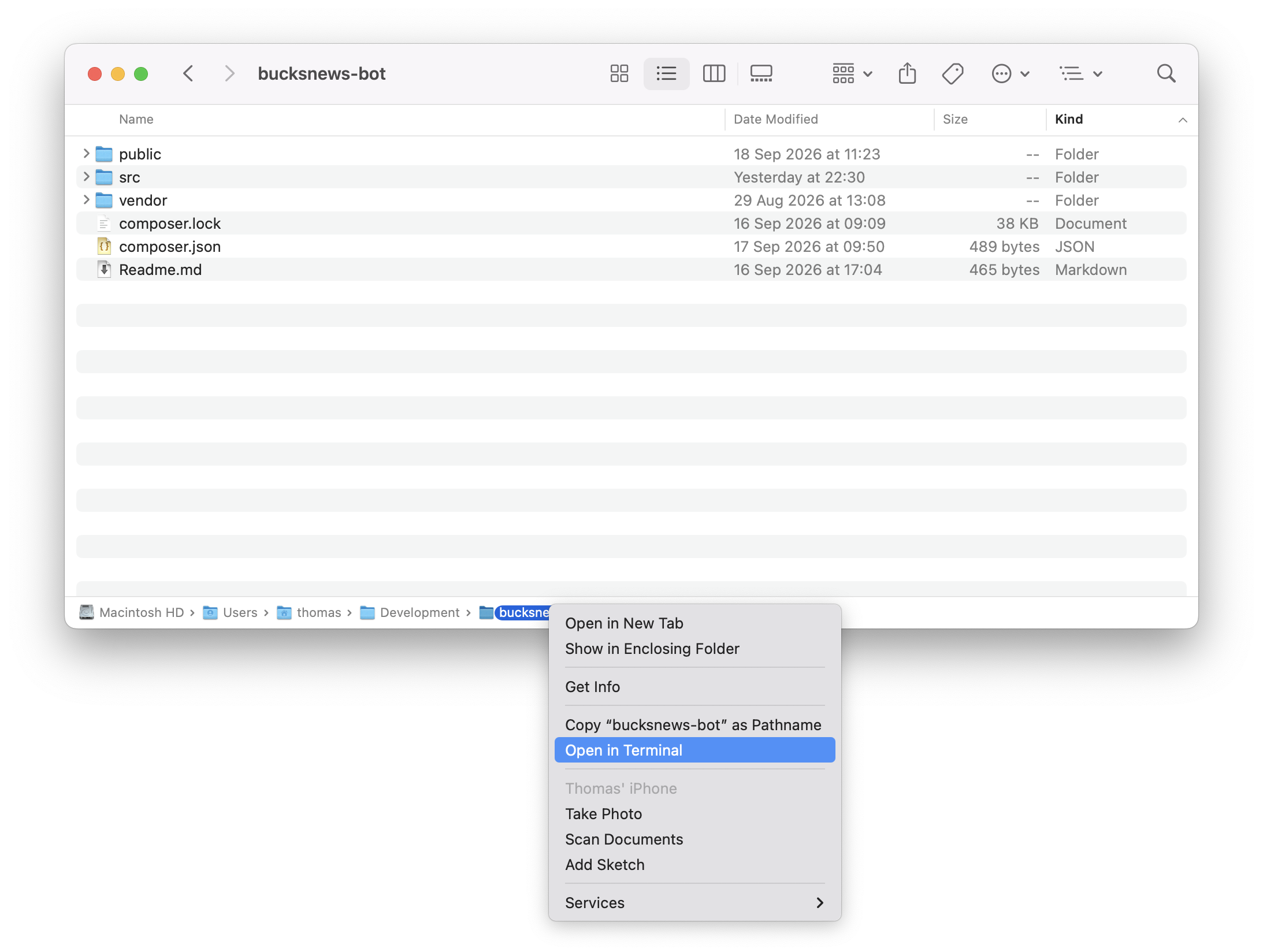
Last week (yes, mid September 2026) I realised native behaviour exsists in MacOS to do this too. Along the bottom of the Finder window, there is a breadcrumb folder path. To pop open a terminal in the same folder as the one currently open in the Finder UI, you right-click on the folder you wish to open a terminal in, in the breadcrumb and click 'Open In Terminal'. Voila.
Probably should have read the manual?